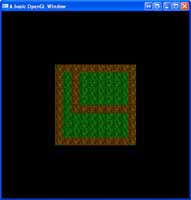
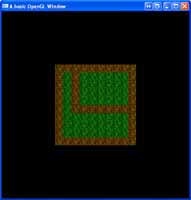
 If you want to create a game like Sim City, or an RPG, then you are going to need some sort of tiling engine. This breaks up the ground into a bunch of known images and places them on runtim. This saves us having extremely large image files for an entire map and also makes it customizable in-game.
 While OpenGL is built for 3D rendering, it does also support 2D. This is where you want orthogonal projections, which are perfect for a Heads Up Display, or a menu system.
 Textures by themselves are perfectly fine, you don't have to do anything with them. But have you ever wanted to load a movie into a 3D scene? Maybe you want to read a movie file, and display it on a quad moving around your scene. Well you can, but you have to do it frame, by frame.
 Lets face it, particles are ALOT of fun. Whether you want to create a weather system, some awesome fire, or just throw a million objects around randomly, they are both stimulating in a game, and fun.
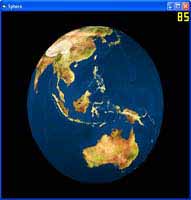 While GLUT provides a sphere for us to draw, that sphere does not contain texture coordinates. In this tutorial, I will show you how to create your own sphere, which has texture coordinates included. Now you can make that solar system demo you have always wanted!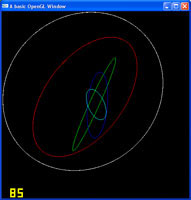
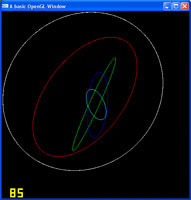 Circles are one of the few shapes that are not default in OpenGL, but the good news is, they are easily created using lines. In this tutorial, I will show you how to draw a nice, round, circle.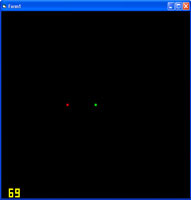
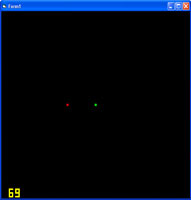 At present, none of our OpenGL shapes can interact with each other, that is because OpenGL is purely graphics, it doesn't handle physics, so using the Euclidean distance algorithm, we can implement some basic bounding sphere collision ourselves.
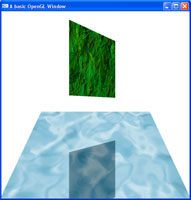
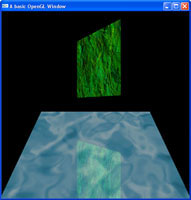 Just like our shadowing tutorial, this one uses the stencil buffer, but we are going to keep our color buffer enabled to allow us to keep our colors for a basic reflection.
 With lighting, comes shadowing. This tutorial takes a basic stencil buffer, and uses it as a stencil to draw a basic shadow on to it.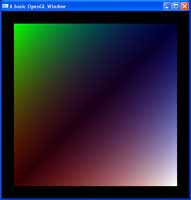
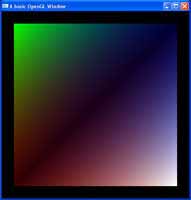 Alpha values, just like colours, can be assigned on a per-vertex basis. This allows for varying levels of transparency across objects.