
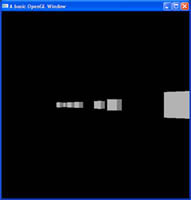
 If you look at making any game where the scene is larger than can be displayed in the window at once, then you are going to need some type of camera system. This is the first of several tutorials on building a first person camera system.
If you look at making any game where the scene is larger than can be displayed in the window at once, then you are going to need some type of camera system. This is the first of several tutorials on building a first person camera system.
If you look at making any game where the scene is larger than can be displayed in the window at once, then you are going to need some type of camera system. This is the first of several tutorials on building a first person camera system.
 Display lists are a cached version of a set of OpenGL calls, which can be called again and again, at quicker framerates than writing the code over and over again. There is much controversy over the use of these against Vertex Buffer Objects in relation to speed, so I will show you both, starting with display lists in this tutorial.
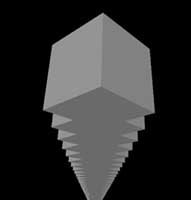
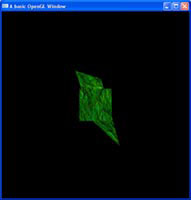 Mip maps are an essential texture extension, which creates scaled down versions of a texture and uses them when an object gets further away, or closer to the near plane. This scaled down version of the texture, makes for nicer, smoother looking textures.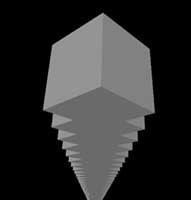
 Most games we know, run in fullscreen mode, and lucky for us, GLUT provides this ability also. So let me show you how to make use of it.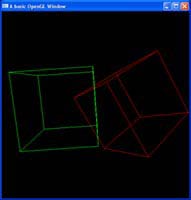
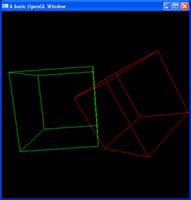 When drawing objects in OpenGL, it can be annoying that you do a translation, and then before drawing the next shape, you have to do a reverse translation to fix your positions. Well OpenGL being a state machine, has the ability to pop and push the current model view matrix, meaning you push on a duplicate of the current matrix before you do your translation, and then revert to the old matrix by pulling the new one off.
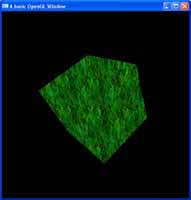 When assigning a texture to an object, you need to declare the texture coordinates, little values between 0 and 1 that tell us which part of the image maps to which part of the 3D model. OpenGL has some texture coordinate methods for generic texturing.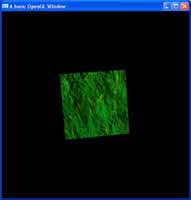
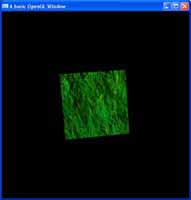 The next step in the quest for realism after lighting, comes in the form of texturing. Texturing is the art of drawing an image on top of a 3D object and is the core behind all 3D applications. Could you imaging Half Life 2 coming out, and the characters looked like store mannequins?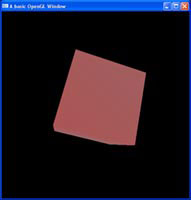
 Just like there are different types of lighting in OpenGL, we also have different types of fog for different effects. Learn how to use them in this tutorial.
 Ever notice how on a clear day, your visibility seems to go on for miles, but when the weather changes, a nice misty fog may come over, and your vision can be reduced to virtually nothing? Well OpenGL has it's own fog system we can take advantage of if we wish to re-create this natural effect.
 OpenGL provides us with not one, but three different types of lights we can make, directional lights, point lights and spot lights. I will try to teach you about how each is different, and how to use them.